banki Business
E-solutions banki Business
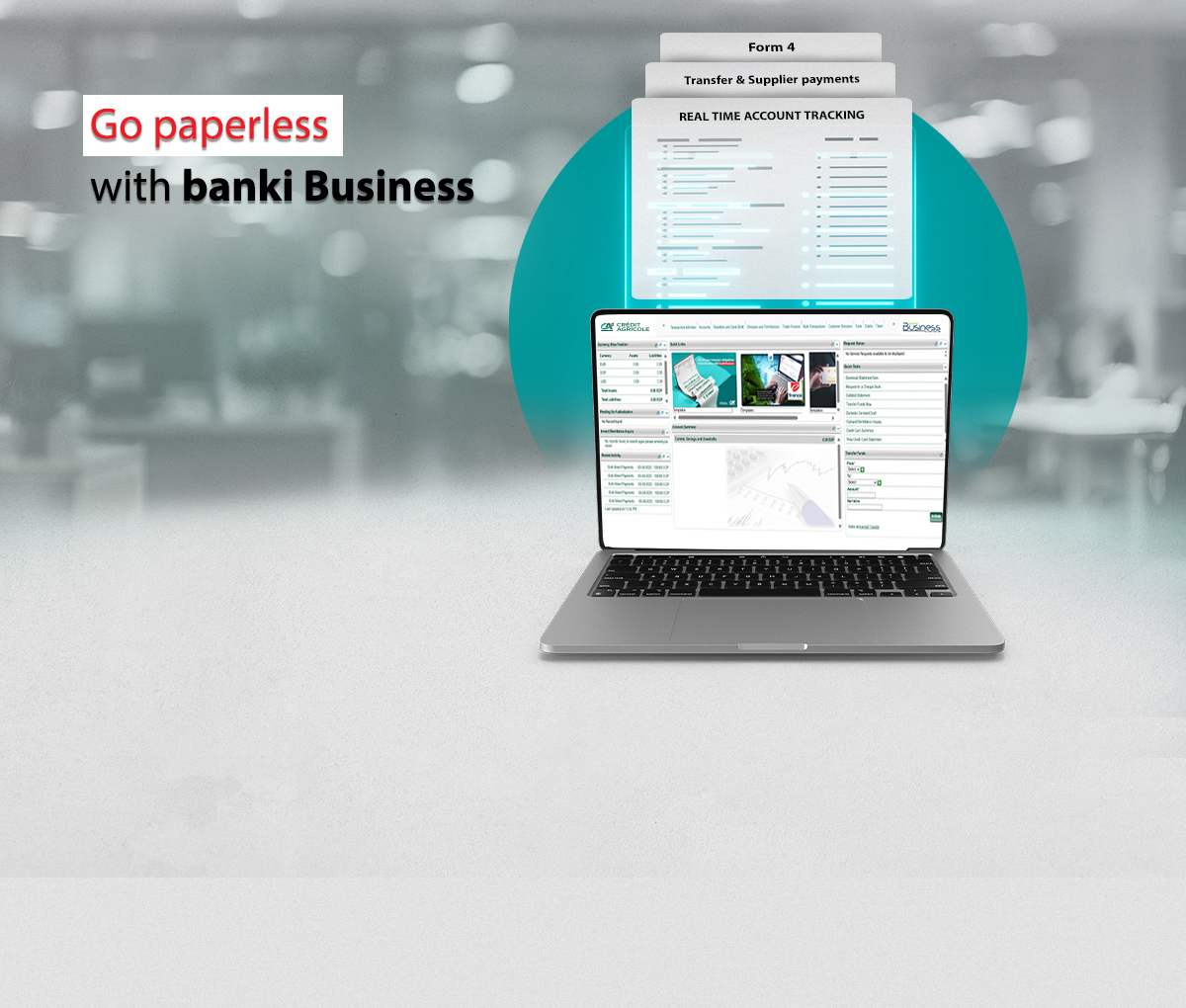
In a world where the digital language is becoming predominant, our E-solutions play a key role in helping you doing business, we are always keen to offer you the latest technology coupled with the ultimate security features. Our online banking solution, banki Business is convenient reliable and available 24/7
Benefits
- User-friendly interface allows you to effortlessly manage company finances.
- State-of-the-art security with digital signature token (applicable only for effecting payments, not needed for inquiry).
- Anytime monitoring of finances enables you to monitor your accounts 24/7, without waiting for your end-of-month statements.
- Numerous transactions through simple clicks, request single or multiple transfers, bank drafts and company cheques and follow the status of your request, while choosing the branch you wish to receive them from.
- Convenience and flexibility, save your frequent transfers as templates, or store beneficiaries details to pick up whenever needed.
- Multiple users with different access rights, control employees’ access to company information; and choose their permitted activities and authorization levels.
- Dedicated customer support teams, banki Phone, ensuring a superior service level (+202 33317617/8).
Features
– Wider real-time access to
- Instant balances update once the transactions took place
- Easy-online-statement; where you can generate statements for multiple accounts at once
- Download of statement in multiple formats including MT940
- SWIFT messages view
- Complete view of cheques including post-dated
- Detailed view of Trade finance products along with their details
– Faster Transactions
- On spot local currency transfers affecting the accounts immediately (from credit balances)
- Foreign currency transfers (requests accepted offline)
– Secured and tailored users matrix
- Top notch technology using the One-time-password
- Introduction of the banki Token (Soft token) downloadable on the users smartphones or laptops
- Tailored access rights based on the roles and functions in each company
– More communication and better support
- A dedicated mailbox to allow a bi-way communication and more support: customer will send inquiries to the bank and will receive replies during working days
- Important messages and notifications will be pushed to customers
How To Apply
Contact your Relationship Manager to enroll to banki Business.
For Users/Password Support, kindly contact banki Phone.
Required Forms
- banki business agreement Click Here
- Service User Form Click Here
- Terms & Conditions Click Here